VPN Security Protection Across Devices
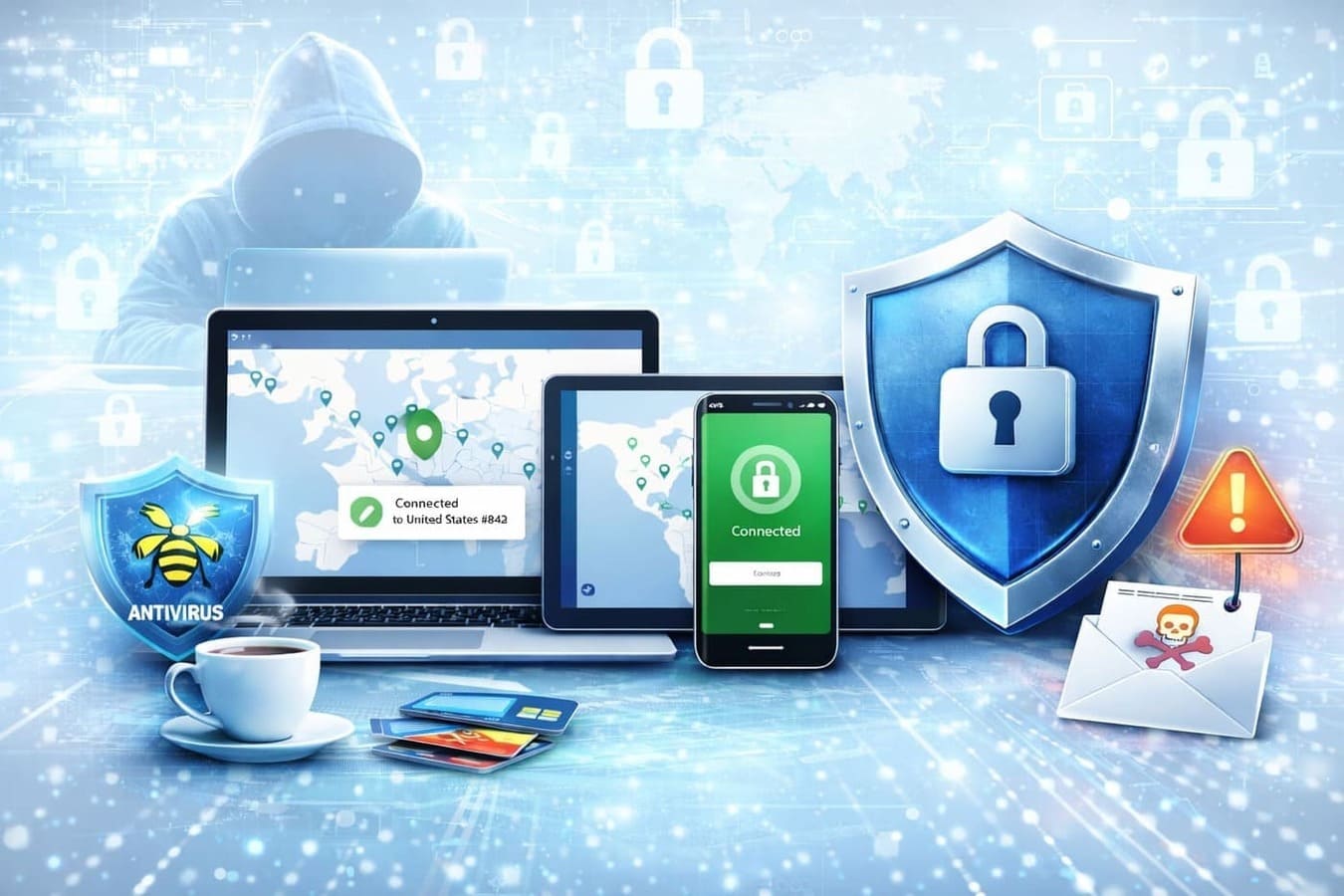
If you’re thinking about vpn security, you’re likely trying to solve one simple problem — how to stay safe online without turning your daily routine into something complicated. And that’s exactly the right approach.
Every day, people check emails, log into banking apps, and connect to Wi-Fi in public places. It feels familiar, but the risks are real. Data leaks, tracking, and phishing attempts happen quietly in the background. That’s why more users are paying attention to internet security and looking for practical solutions that actually work.
A VPN is one of those tools. But it’s important to understand what it does — and what it doesn’t do.
Why VPN security matters in real life
Online threats don’t look dramatic. Most of the time, nothing obvious happens. However, your data can still be collected, tracked, or exposed without you noticing.
Think about these everyday situations:
- You connect to café Wi-Fi ☕
- You log into your bank or email.
- You shop online using saved cards.
Without protection, your connection can be visible to others on the same network. That’s where vpn security helps. It creates a secure channel between your device and the internet, so your data stays private.
Still, a VPN is only one part of the best internet security — not the full solution.
What a VPN actually protects you from
Before choosing any tool, it helps to clearly understand what you’re getting.
A VPN helps reduce risks like:
- 🔐 Data interception on public networks
- 👀 Tracking by websites and advertisers
- 📡 Exposure of your real IP address
- 🌍 Geo-restrictions on content
For example, if you’re traveling and using hotel Wi-Fi, a VPN prevents others from seeing your activity. That’s a real, practical benefit.
Public Wi-Fi protection
Secure your connection when using open networks in cafés, airports, and hotels.
Privacy online
Reduce tracking from websites, advertisers, and third-party services.
IP address protection
Hide your real location and prevent exposure of your personal data.
Safe browsing
Protect your activity while accessing sensitive accounts or services.
What a VPN will NOT protect you from
This is where many people get confused.
👉 What will VPN not protect you from?
A VPN does NOT:
- Stop viruses or malware.
- Protect yourself from phishing emails.
- Block fake websites automatically.
- Prevent you from downloading unsafe files.
So yes, even with strong vpn security, you still need basic awareness.
Do you still need antivirus with a VPN?
This is one of the most common questions:
👉 Do I need antivirus if I have a VPN?
Short answer — yes.
A VPN protects your connection. Antivirus protects your device.
They solve different problems:
- VPN → privacy and secure connection
- Antivirus → malware and file protection
👉 Which antivirus works with NordVPN?
Most well-known antivirus tools (like Bitdefender, Norton, and Kaspersky alternatives) work fine alongside VPN apps. They don’t conflict because they operate on different levels.
Can you still get hacked or infected?
Let’s be honest — no tool gives 100% protection.
👉 Can I still get a virus if I use a VPN?
Yes, if you download unsafe files or click on malicious links.
👉 Can your phone get hacked if you have a VPN?
Also, yes, especially if you install unknown apps or ignore updates.
However, a VPN still reduces risk significantly. It protects your connection layer, which is often the weakest point on public networks.
How to tell if a VPN is safe
Not every VPN is trustworthy. Some apps can actually make things worse.
👉 How to tell if a VPN is safe?
Check these factors:
- ✔ Clear no-logs policy
- ✔ Strong encryption (AES-256)
- ✔ Real company behind the product
- ✔ Millions of users or solid reputation
- ✔ No suspicious permissions
Also, avoid random “free VPN” apps with no background. They often monetize user data instead of protecting it.
Building real internet security (simple system)
Instead of relying on one tool, combine a few basic habits.
Here’s a simple setup that works in real life:
- ✔ Use a VPN on public Wi-Fi
- ✔ Install antivirus or device protection
- ✔ Enable automatic updates
- ✔ Avoid unknown downloads
- ✔ Use strong passwords (or a password manager)
This combination creates a much stronger internet security setup than any single app.
Everyday scenarios where VPN security helps
Let’s bring it back to real situations.
You’ll actually notice the difference when:
- Working remotely in cafés 💻
- Traveling and using hotel Wi-Fi 🌍
- Accessing personal accounts abroad
- Avoiding aggressive tracking online
👉 Tip: Turn on your VPN BEFORE connecting to public Wi-Fi — not after.
Start using VPN security the smart way
You don’t need to overthink it. Good protection should feel simple.
A reliable VPN runs quietly and protects your data without changing how you use the internet. At the same time, combining it with basic security habits gives you much stronger protection overall.
So instead of relying on guesswork, build a simple system:
Use a VPN, stay aware, and keep your devices updated.
If your goal is safer browsing, fewer risks, and more control over your data, focusing on vpn security is one of the easiest and smartest steps you can take today.